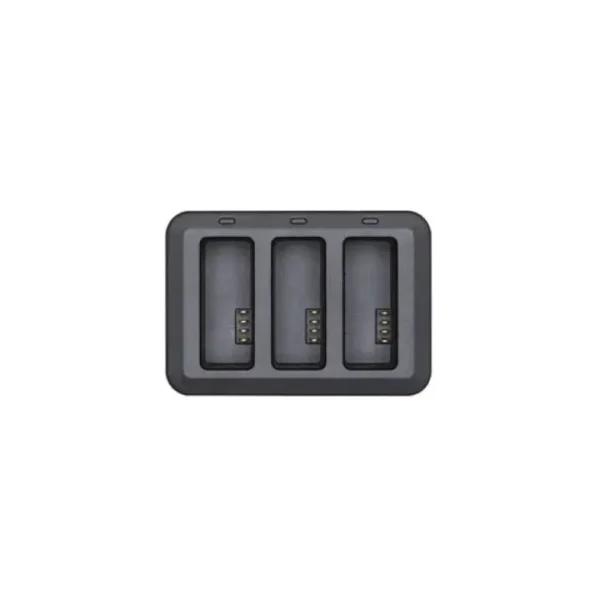
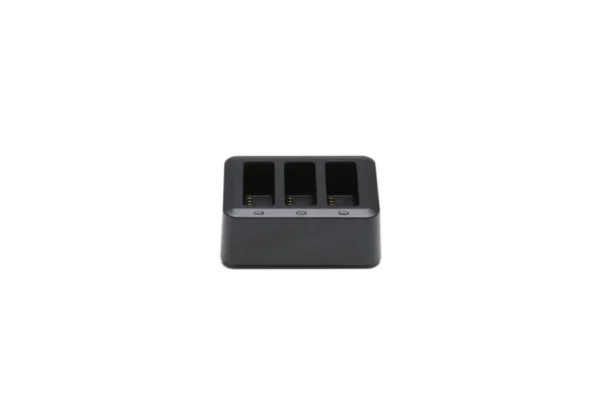
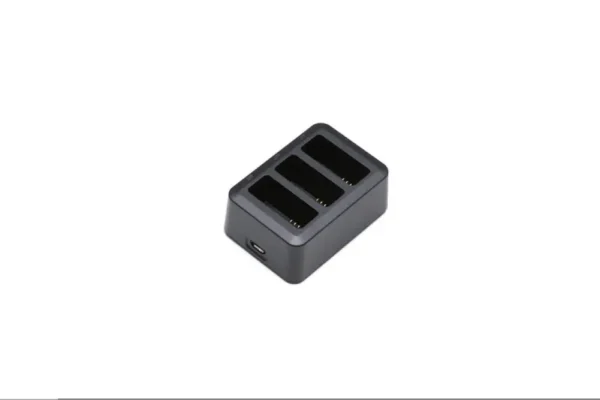
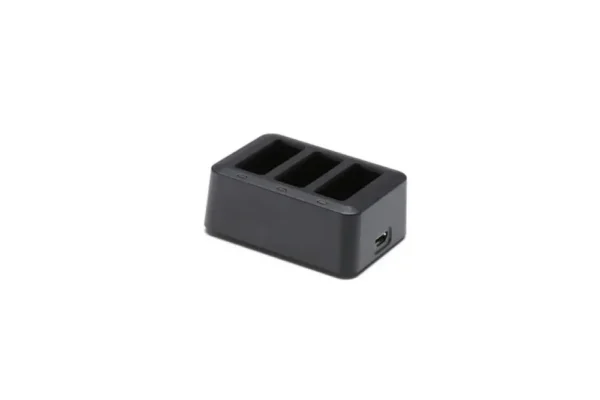
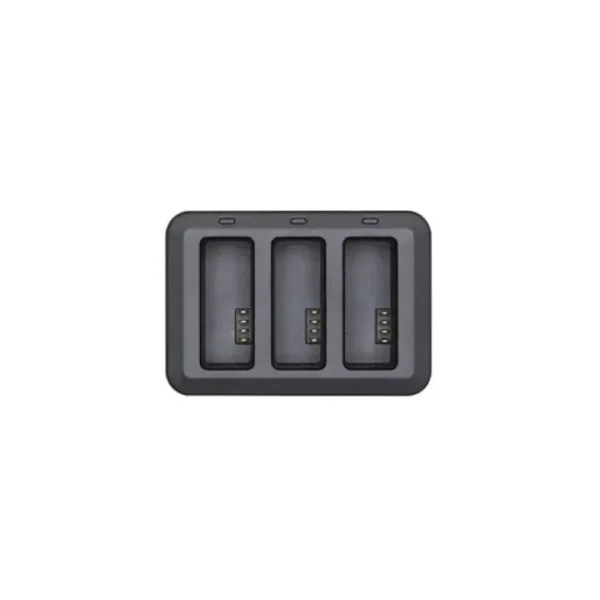
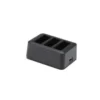
Tello – Battery Charging Hub – Compact Charging Hub for Three Tello Drone Batteries
Tello – Battery Charging Hub is a practical and compact battery charging hub designed specifically for conveniently charging Ryze Tello drone flight batteries. The charging hub accommodates up to three Tello flight batteries, which are automatically charged sequentially according to their voltage levels. This solution makes charging multiple batteries easier, eliminates the need to insert each battery into the drone individually and helps keep the drone ready for its next flight.
When using Tello drones, battery life is one of the most important factors determining the duration of a flying session. A single Tello battery provides up to approximately 13 minutes of flight time, depending on weather conditions, flying style and other operating factors. Having multiple batteries allows users to extend their flying sessions, but charging them without a suitable accessory can be inconvenient.
Tello – Battery Charging Hub addresses this problem by providing one convenient location for charging multiple batteries. The G1CH charging hub is designed for original Tello GB1-1100mAh-3.8V flight batteries and weighs just 29 grams. Its lightweight and compact design makes it convenient for use at home, while travelling or during outdoor drone activities.
Charge Up to Three Tello Flight Batteries with One Device
Tello – Battery Charging Hub allows up to three compatible Tello flight batteries to be placed in the charging hub at the same time. This makes the charging process significantly more convenient because each battery does not need to be inserted into the drone separately.
The three battery slots are specifically designed for Tello flight batteries, ensuring appropriate positioning and electrical connection during charging.
Using multiple batteries is particularly practical for drone enthusiasts who want longer flying sessions or use their drone for several different activities.
For example, one battery may be used for flight practice, another for photography and a third for recording videos. After use, all three batteries can be placed in the charging hub and charged through a single power connection.
However, it is important to understand that although the charging hub accommodates three batteries, it does not charge them simultaneously. Instead, the batteries are charged automatically, one after another, in a predetermined order.
Intelligent Sequential Charging Based on Battery Voltage
Tello – Battery Charging Hub uses an automatic sequential charging system that determines the charging order according to the voltage level of each battery.
The charging hub starts with the battery that has the highest voltage level and proceeds to the next battery once the first has been fully charged. The battery with the lowest voltage level is charged last.
The advantage of this system is that the battery with the highest remaining charge reaches full capacity first. This can be particularly useful when the user wants to have at least one battery ready for the next flight as quickly as possible.
The charging order is determined automatically, so users do not need to rearrange the batteries manually or continuously manage the charging process.
Sequential charging also prevents the misconception that the three battery slots provide simultaneous fast charging. The hub is primarily designed to improve convenience and battery charging management.
Approximately Two Hours to Charge Three Batteries
According to the manufacturer, Tello – Battery Charging Hub can charge three Tello flight batteries in approximately two hours.
This figure is based on laboratory tests using a CE-certified 5 V / 2 A USB power adapter.
Actual charging time may vary depending on the power adapter, the batteries’ initial charge levels, temperature and battery condition.
For example, partially charged batteries may finish charging sooner, while completely depleted batteries or batteries at an unsuitable temperature may require more time.
An approximate two-hour charging time for three batteries makes the hub a practical solution for users who want to prepare all their batteries for the next flying session after use.
The charging hub is not intended for simultaneous fast charging but for automatic sequential charging.
Compatibility with Ryze Tello Flight Batteries
Tello – Battery Charging Hub has been specifically developed for original Ryze Tello drone flight batteries.
The G1CH charging hub is compatible with the GB1-1100mAh-3.8V battery model, which has a nominal capacity of 1100 mAh and a nominal voltage of 3.8 V.
This removable flight battery is used in the Tello drone family and supplies power for flying, camera operation and the drone’s control systems.
The charging hub is suitable for users of Tello drones that use this battery model, including the standard Ryze Tello and Tello EDU.
Before purchasing, users should check the model designation of their existing battery to confirm compatibility.
Tello – Battery Charging Hub is not a universal drone battery charger and must not be used to charge batteries from other manufacturers or batteries with different designs and electrical specifications.
5 V Input Voltage and Maximum 3 A Input Current
Tello – Battery Charging Hub operates at 5 V DC and supports a maximum input current of 3 A.
These electrical specifications allow the charging hub to be used with a suitable USB power adapter that meets the device’s requirements.
The manufacturer’s reference tests used a 5 V / 2 A adapter, with which three batteries were charged in approximately two hours.
The charging hub connects to a power source through a Micro-USB cable, eliminating the need for a specialised charging system.
It is important to use a reliable USB power adapter with suitable specifications to ensure a stable power supply and proper charging.
A separate power adapter and Micro-USB cable are not included with the charging hub and must be purchased separately if required.
Compact and Lightweight Design
Tello – Battery Charging Hub is designed for users who value simple, compact and portable drone equipment.
The charging hub weighs only 29 grams, so it adds very little to the overall weight of a portable equipment kit.
Its lightweight construction allows it to be stored conveniently in a drone bag, backpack or other accessory compartment.
This is particularly useful for users who take their Tello drone on trips, excursions or to different educational and training environments.
The compact charging hub also helps keep batteries together in one place instead of requiring them to be placed in different devices during charging.
Thanks to its straightforward design, Tello – Battery Charging Hub is suitable for both beginners and more experienced drone enthusiasts.
Convenient Charging Without Using the Drone
Tello flight batteries can also be charged directly through the drone by connecting a suitable USB power source to the drone’s Micro-USB port.
In this case, the battery must be installed inside the drone, and the drone itself is required to charge each battery.
Tello – Battery Charging Hub offers a more convenient alternative because flight batteries can be charged separately without using the drone as a charging device.
This is particularly useful for users who own multiple batteries and want to recharge them all after a flying session.
With the charging hub, the batteries can be placed in one device and the automatic charging sequence can handle the process.
This simplifies battery preparation and allows the drone to be stored separately.
A Practical Accessory for Longer Flying Sessions
Tello – Battery Charging Hub is a useful accessory for users who want to fly their Tello drone for longer periods and use several interchangeable batteries.
According to the manufacturer, the Ryze Tello drone offers a maximum flight time of approximately 13 minutes per battery, although actual duration depends on flying conditions and usage.
With multiple fully charged batteries available, users can replace a depleted battery with another and continue flying.
The charging hub makes preparation for these sessions more convenient by allowing three batteries to be charged sequentially through one charging connection.
It is suitable for recreational flying, drone control practice and photography or video projects.
However, Tello does not support hot-swapping batteries while the drone is operating. The drone must be switched off before removing or replacing a battery to avoid possible data loss or interruption of device operation.
Suitable for Tello EDU Learning Activities
Tello – Battery Charging Hub is also practical for Tello EDU users who use drones for programming, robotics and technology education.
During lessons and practical exercises, several people may use the same drone consecutively, making battery charge management particularly important.
When multiple compatible Tello flight batteries are available, the charging hub allows them to be placed in one device and charged sequentially after the lesson.
This simplifies preparation for future classes and reduces the need to use a drone to charge each battery separately.
Having charged spare batteries is especially useful for Tello EDU activities involving drone control, programming and flight path creation.
The charging hub does not change the drone’s programming capabilities or flight performance, but it makes battery management and lesson preparation more convenient.
Operating Temperature from 5°C to 45°C
Tello – Battery Charging Hub is designed to operate within a temperature range of 5°C to 45°C.
This means that the charging hub should be used in an environment where the temperature remains within the manufacturer’s specified limits.
A suitable temperature is important for both proper operation of the charging hub and safe charging of lithium batteries.
If a battery has become hot after flying, it should not be charged immediately. Instead, allow it to cool to approximately room temperature before charging.
Batteries should also not be charged in extremely cold or hot environments, as unsuitable temperatures can affect charging and battery reliability.
According to the Ryze Tello user manual, the recommended charging temperature for the flight battery is approximately 22°C to 28°C, although the permitted charging temperature range is wider.
During charging, the device should be placed on a stable, dry surface and protected from excessive heat and moisture.
Easy Integration into Everyday Drone Equipment
Tello – Battery Charging Hub requires no complicated configuration or separate control software.
To begin charging, place compatible Tello flight batteries in the charging slots and connect the hub to a suitable USB power source.
The charging hub then automatically manages the charging process according to the voltage level of each battery.
The battery with the highest voltage is charged first, and once it is fully charged, the hub proceeds to the next battery.
This straightforward operating principle is also suitable for users who are just beginning to fly Tello drones.
However, users should follow the manufacturer’s safety instructions, use only compatible batteries and ensure that the battery and charging slot contacts are clean and undamaged.
Battery Maintenance and Safe Charging
When using Tello – Battery Charging Hub, it is important to follow general safety requirements for charging and storing lithium batteries.
The charging hub must not be used with damaged, swollen or otherwise abnormal batteries.
Water, dirt and metal objects must also be kept away from the charging hub and battery contacts.
Batteries should be charged in a dry, well-ventilated environment, and the charging hub should not be covered during operation.
If a battery is hot after intensive flying, allow it to cool before charging.
For long-term storage, follow the battery manufacturer’s recommendations and avoid leaving batteries in environments with unsuitable temperatures for extended periods.
Proper charging and maintenance help preserve battery reliability and reduce the risk of premature deterioration.
Technical Specifications and Package Contents
Tello – Battery Charging Hub is an original Tello flight battery charging hub with model designation G1CH and product code CP.PT.00000271.01.
The charging hub is compatible with the GB1-1100mAh-3.8V battery model, which has a nominal capacity of 1100 mAh and a nominal voltage of 3.8 V.
The device accommodates up to three flight batteries, which are automatically charged sequentially according to their voltage levels, starting with the battery that has the highest voltage.
The charging hub has an input voltage of 5 V and a maximum input current of 3 A. It weighs approximately 29 grams and has an operating temperature range of 5°C to 45°C.
According to the manufacturer’s laboratory tests, charging three batteries takes approximately two hours when using a CE-certified 5 V / 2 A USB power adapter. Actual charging time may vary depending on operating conditions.
The charging hub uses a Micro-USB power connection.
The package includes one Tello Battery Charging Hub. Flight batteries, the USB power adapter and the Micro-USB cable are not included in the standard package and must be purchased separately if needed.