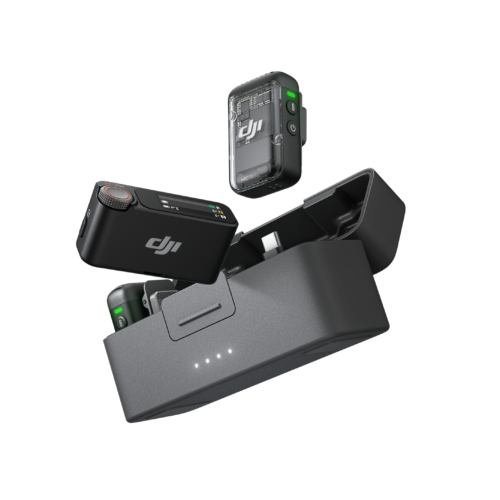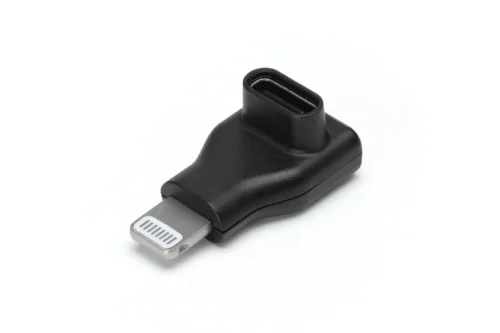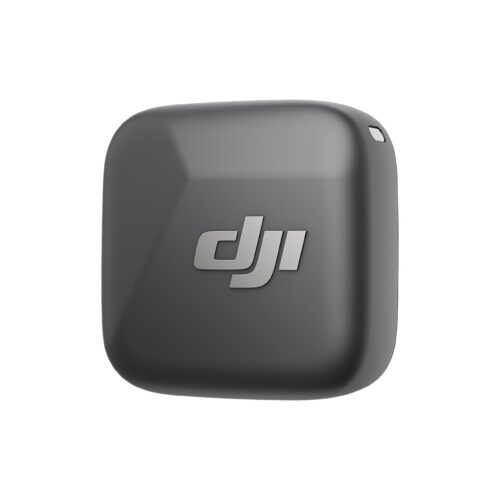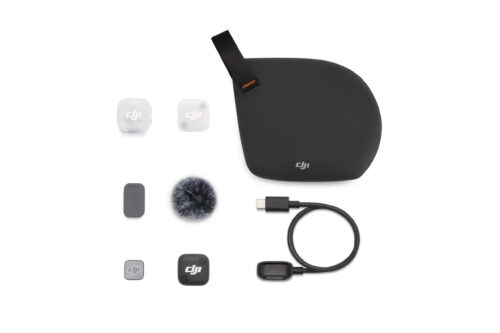
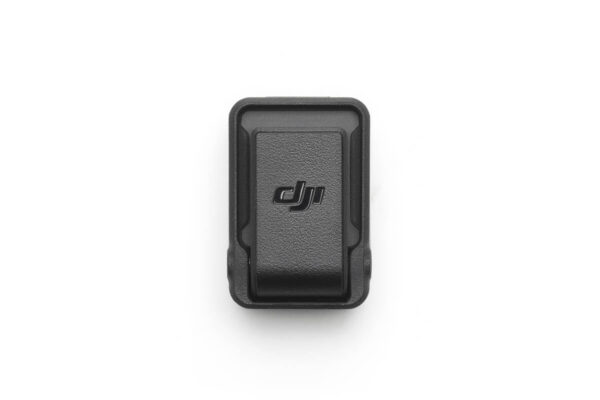
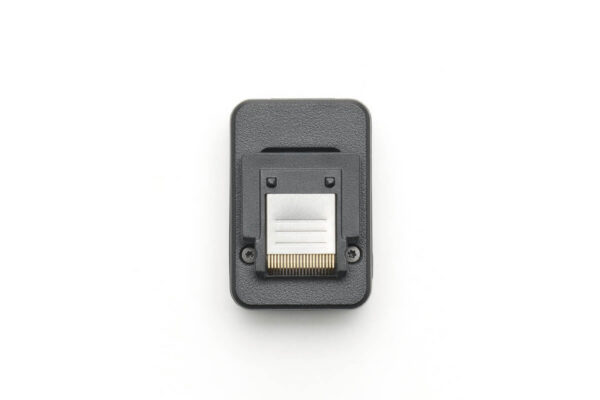
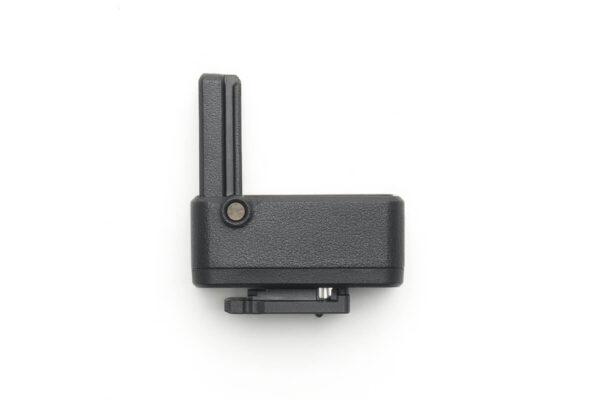
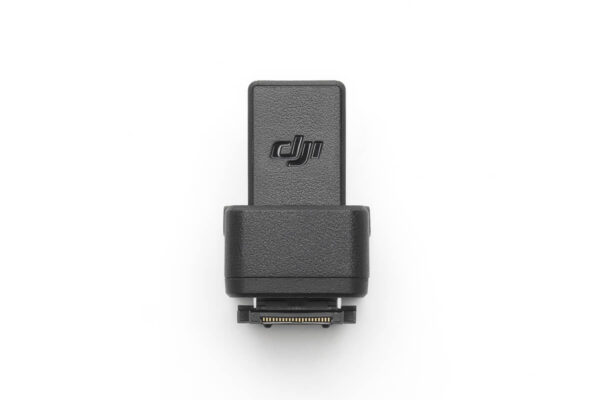
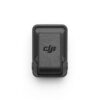
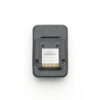
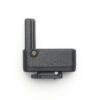
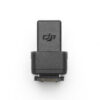

DJI Mic 2 camera adapter
35.00 €
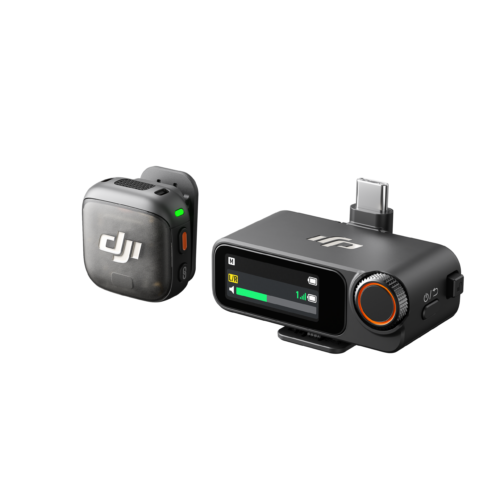
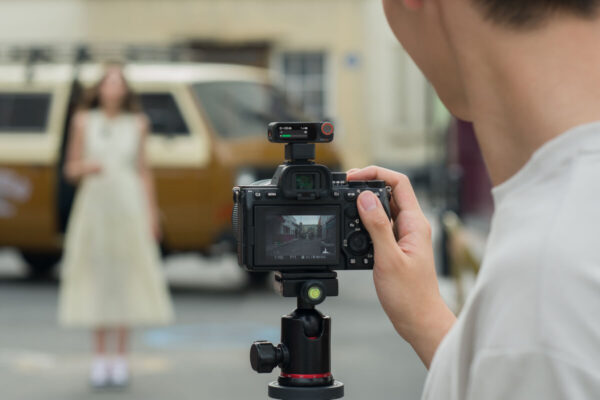
DJI Mic 2 Camera Adapter is a compact and lightweight camera adapter that allows the DJI Mic 2 wireless microphone receiver to connect directly to the Multi Interface (MI) Shoe of a compatible Sony camera. The adapter provides high-quality digital audio transmission without a 3.5 mm audio cable and allows the receiver to be powered directly by the camera. Weighing just 13 grams, the adapter is compatible with selected Sony Alpha, ZV, and Cinema Line cameras, including the Sony A7 IV, A7S III, FX3, and FX30. DJI Mic 2 Camera Adapter is an ideal solution for videographers, content creators, and professional filmmakers seeking convenient, reliable, and high-quality audio recording.
DJI Mic 2 Camera Adapter – Professional Camera Adapter for Digital Audio Recording with Sony Cameras
DJI Mic 2 Camera Adapter is a compact and practical camera adapter that allows the DJI Mic 2 wireless microphone receiver to connect directly to the Multi Interface (MI) Shoe of a compatible Sony camera. Designed for videographers, content creators, journalists, and professional filmmakers, the adapter enables high-quality audio recording without the need for a conventional 3.5 mm TRS audio cable.
The adapter’s main advantage is direct digital audio transmission to the camera. Unlike a conventional analogue connection, a digital connection eliminates an additional analogue audio transmission path and can reduce noise caused by electrical interference in certain situations. Additionally, a compatible Sony camera can supply power to the DJI Mic 2 receiver through the adapter, making the recording setup more convenient and reducing the need to charge the receiver separately during filming.
DJI Mic 2 Camera Adapter is particularly useful in situations where quick setup, a reliable connection, and a compact camera configuration are essential.
Digital Audio Transmission Without a 3.5 mm Audio Cable
One of the most important features of the DJI Mic 2 Camera Adapter is its ability to transmit audio from the DJI Mic 2 receiver directly to a Sony camera in digital form.
When using a conventional wireless microphone system, the receiver is usually connected to the camera using a 3.5 mm TRS audio cable. In this configuration, the audio signal reaches the camera in analogue form, and recording quality may be affected by cable connections, the characteristics of the analogue audio circuitry, and possible electrical interference.
DJI Mic 2 Camera Adapter, however, uses the digital audio interface of Sony’s MI Shoe, allowing a compatible camera to receive the audio signal directly in digital form.
The digital connection helps reduce potential sources of interference associated with analogue signal transmission and simplifies the audio recording setup.
This is particularly important in professional video production, where clear, high-quality sound is just as essential as sharp, well-lit footage.
It is important to remember that using the adapter does not automatically improve the microphone’s inherent recording quality. The final result still depends on microphone placement, the recording environment, and correctly adjusted audio levels.
Support for Sony Multi Interface Shoe
DJI Mic 2 Camera Adapter has been specifically developed for Sony cameras that support digital audio through the Multi Interface, or MI, Shoe.
Sony’s MI Shoe is a multifunctional connection interface that allows various accessories to be attached to the camera and, depending on the model, can transmit control signals, audio, and electrical power.
The DJI adapter uses this interface to attach the DJI Mic 2 receiver and transmit digital audio directly to the camera.
As a result, there is no need to connect a separate audio cable to the camera’s microphone input.
The receiver and adapter form a compact unit when mounted on the camera, making the setup suitable for handheld filming as well as camera configurations mounted on tripods or stabilisers.
However, the adapter is not automatically compatible with every Sony camera that has a physically similar accessory shoe. The camera must support digital audio through the MI Shoe and be included in DJI’s confirmed compatibility list.
Powering the DJI Mic 2 Receiver Through the Camera
In addition to digital audio transmission, DJI Mic 2 Camera Adapter allows the DJI Mic 2 receiver to receive electrical power directly from a compatible Sony camera.
Under normal operating conditions, the DJI Mic 2 receiver relies on its built-in battery. According to DJI, the receiver has a 360 mAh battery, providing a typical operating time of up to approximately six hours under suitable test conditions.
When the adapter is used, the receiver can obtain the power it needs through Sony’s MI Shoe. According to DJI documentation, the camera supplies approximately 73 mA of current to the receiver through the adapter.
This solution is especially useful during longer recording sessions because it helps reduce the risk of interruptions caused by a depleted receiver battery.
However, power supplied by the camera depends on camera compatibility and operating conditions, and it may increase the camera’s own power consumption.
It is also important to note that the DJI Mic 2 receiver does not support synchronised automatic power on and off with the camera when connected through the adapter. This function is available when using a conventional 3.5 mm TRS audio cable.
Compact and Lightweight Design
DJI Mic 2 Camera Adapter has been designed to be as compact as possible so that it does not add unnecessary bulk or weight to the camera setup.
The adapter weighs approximately 13 grams, meaning its impact on the total weight of the camera configuration is minimal.
When folded, the adapter measures approximately 22.2 × 33.1 × 22 mm, while its dimensions in the unfolded operating position are 22.2 × 33.1 × 38.8 mm.
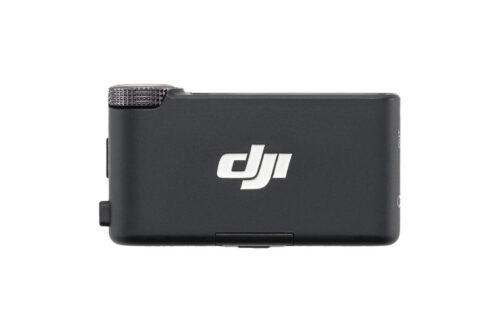
The foldable design makes the adapter convenient to store and transport. To use it, the adapter is unfolded and connected to the expansion port of the DJI Mic 2 receiver.
The adapter and receiver can then be mounted together on the Sony camera’s MI Shoe.
Its compact dimensions and low weight are particularly valuable for videographers using small hybrid cameras or those who want to keep a camera setup mounted on a stabiliser as lightweight as possible.
Quick and Easy Installation
DJI Mic 2 Camera Adapter enables a recording connection to be established quickly without complicated cabling.
To install it, first remove the adapter’s protective cover and unfold its hinged structure. Then connect the adapter to the DJI Mic 2 receiver’s expansion port.
Once the adapter is attached to the receiver, the entire assembly can be mounted on the Sony camera’s MI Shoe.
With a compatible camera, digital audio is transmitted directly through the accessory shoe, eliminating the need for a separate 3.5 mm audio cable.
This connection method is practical when a camera needs to be prepared quickly or when moving frequently between filming locations.
Removing the cable also reduces the number of wires around the camera and helps prevent them from becoming tangled or accidentally disconnected.
Before recording, make sure the adapter is securely installed and recognised by the camera.
Compatibility with Sony Alpha and Cinema Line Cameras
DJI Mic 2 Camera Adapter is compatible with selected Sony Alpha and Cinema Line cameras that support digital audio transmission through the MI Shoe.
DJI’s published compatibility list includes Sony ZV-E1 and ZV-E10, Sony Alpha 1, Alpha 9 II and Alpha 9 III, Alpha 7S III, Alpha 7R IV, Alpha 7R V, Alpha 7C, Alpha 7C II, Alpha 7CR, and Alpha 7 IV.
The adapter also supports the Sony A6700, along with the professional Sony Cinema Line FX3 and FX30 cameras.
According to DJI’s published compatibility information, these cameras support both digital audio transmission and supplying power to the receiver through the adapter.
This makes the adapter suitable for a wide range of users, from owners of compact vlogging cameras to professional filmmakers.
For example, Sony ZV-E1 and ZV-E10 users can create a convenient wireless audio recording setup for vlogs, interviews, and social media content.
Sony FX3 and FX30 users, meanwhile, can integrate the DJI Mic 2 system into more advanced professional video production workflows.
It is important to note that DJI Mic 2 Camera Adapter is not compatible with the Sony FX6. Having an MI Shoe alone is also not sufficient to guarantee compatibility.
Before purchasing, it is advisable to check the compatibility of the specific camera model against DJI’s official list.
Ideal for Professional Interview Recording
When filming interviews, it is essential that speech remains clear, consistent in volume, and free from unnecessary interference.
DJI Mic 2 Camera Adapter allows the DJI Mic 2 wireless microphone system to connect to a Sony camera so that audio is transmitted digitally and directly to the recording device.
This helps create a compact working setup in which the camera and microphone system operate together without a separate analogue audio cable.
The DJI Mic 2 system can also be used to record interviews with two transmitters when the appropriate receiver and microphone kit are available.
The adapter does not change the DJI Mic 2 system’s wireless connection technology or the functions of its transmitters. Instead, it replaces the connection between the receiver and camera.
The result is a more convenient setup suitable for both studio interviews and recordings made in dynamic environments.
Practical Solution for Vlogging and Content Creation
DJI Mic 2 Camera Adapter is also useful for vloggers and social media content creators who want to use a Sony camera together with the DJI Mic 2 wireless microphone system.
During vlogging, the camera often needs to be held in the hand, moved around, or quickly repositioned between different shooting angles.
In these situations, a separate audio cable can make the setup less convenient, especially when other accessories are also mounted on the camera.
The adapter allows the receiver to connect directly to the camera’s MI Shoe, reducing the number of external connections.
Its compact design works particularly well with Sony ZV Series cameras, which are widely used for vlogs, tutorials, and online video production.
Receiving power from the camera is another practical advantage, as it simplifies the receiver’s power supply.
Fewer Cables and a More Organised Camera Setup
Professional video production often involves mounting various accessories on a camera, including external monitors, lights, stabilisers, and microphone systems.
The more devices connected to a camera, the more complicated cable management can become.
DJI Mic 2 Camera Adapter helps reduce this problem by eliminating the need for a separate 3.5 mm audio cable between the DJI Mic 2 receiver and a compatible Sony camera.
This gives the camera setup a cleaner appearance and reduces the possibility of an audio cable becoming caught on other equipment during movement.
A cable-free connection is especially useful when filming with a stabiliser, where cable placement can affect camera movement and balancing.
Although the adapter does not replace every connection in a camera setup, it simplifies an important part of the audio recording system.
Digital Connection and Audio Level Adjustment
DJI Mic 2 Camera Adapter supports digital audio transmission, but correct audio levels remain essential for achieving high-quality recordings.
According to DJI’s instructions, the most important setting when recording digital audio through the adapter is the DJI Mic 2 transmitter’s gain setting, known as Transmitter Gain.
Unlike a conventional 3.5 mm analogue connection, the receiver’s Receiver Gain setting does not operate in the same way when transmitting digital audio through the adapter.
Therefore, audio levels should be adjusted through the transmitter gain setting when necessary, or further corrections can be made during post-production.
During recording, it is important to ensure that the audio signal does not become excessively strong and cause distortion.
DJI recommends keeping the receiver’s audio level indicator primarily in the green and yellow ranges and avoiding the red range.
Correctly adjusted audio levels help produce clean, usable recordings for interviews and other video projects.
Firmware Updates and Reliable Operation
DJI recommends ensuring that the DJI Mic 2 receiver’s firmware is up to date before using DJI Mic 2 Camera Adapter.
The adapter’s firmware is updated through the DJI Mic 2 receiver.
First, download the latest firmware version for the receiver from DJI’s official website and install it according to the manufacturer’s instructions.
Then connect the camera adapter to the receiver. The receiver automatically recognises the adapter and starts updating its firmware if necessary.
Once the update has been completed successfully, a corresponding notification appears on the receiver’s display.
Keeping firmware up to date helps ensure proper adapter operation and compatibility with supported cameras.
If the camera does not recognise the adapter, first check the camera model’s compatibility and then verify the firmware versions of the adapter and receiver.
DJI Mic 2 Camera Adapter vs. a 3.5 mm TRS Cable
The DJI Mic 2 receiver can be connected to a Sony camera using either DJI Mic 2 Camera Adapter or a conventional 3.5 mm TRS audio cable.
The main difference lies in how the audio signal is transmitted.
The camera adapter uses digital audio transmission and allows a compatible Sony camera to supply power to the receiver.
A 3.5 mm TRS cable, by contrast, transmits an analogue audio signal to the camera’s microphone input.
One advantage of the analogue connection is support for synchronised automatic power on and off between the DJI Mic 2 receiver and the camera, which is not available when using the adapter.
The adapter’s advantages are the absence of a separate audio cable, digital connectivity, and power supplied to the receiver by the camera.
The most suitable connection method therefore depends on the camera, recording requirements, and preferred workflow.
Compatibility with the DJI Mic 2 Microphone System
DJI Mic 2 Camera Adapter has been designed specifically for the DJI Mic 2 receiver.
The adapter is not a universal accessory for all DJI microphone systems and cannot be used with the first-generation DJI Mic receiver.
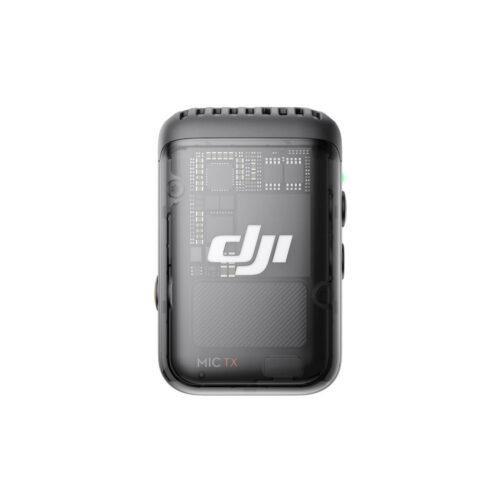
The adapter does not include a microphone, transmitter, or receiver. It is a separate connection accessory designed to complement an existing DJI Mic 2 system.
A compatible DJI Mic 2 receiver and a suitable Sony camera are required for use.
This makes the adapter particularly useful for users who already own a DJI Mic 2 microphone system and want a more convenient way to connect it to a Sony camera.
DJI Mic 2 Camera Adapter – Compact Solution for Professional Audio Recording
DJI Mic 2 Camera Adapter is an original DJI camera adapter that allows the receiver of the DJI Mic 2 wireless microphone system to connect directly to the Multi Interface Shoe of a compatible Sony camera.
Its main advantages are digital audio transmission without a 3.5 mm TRS cable, the ability to power the receiver through the camera, and its compact, lightweight design.
Weighing approximately 13 grams, the adapter measures just 22.2 × 33.1 × 22 mm when folded, making it suitable for compact vlogging cameras as well as professional video cameras.
The adapter supports selected Sony Alpha, ZV, and Cinema Line cameras, including the Sony A7 IV, A7S III, A7R V, A6700, ZV-E1, FX3, and FX30.
Thanks to its easy installation, digital audio transmission, and camera-powered operation, DJI Mic 2 Camera Adapter is a practical choice for videographers, content creators, and professional filmmakers who want to make their DJI Mic 2 audio recording system more compact, convenient, and reliable.