Insta360 X3 Quick Reader
72.90 € Original price was: 72.90 €.7.90 €Current price is: 7.90 €.
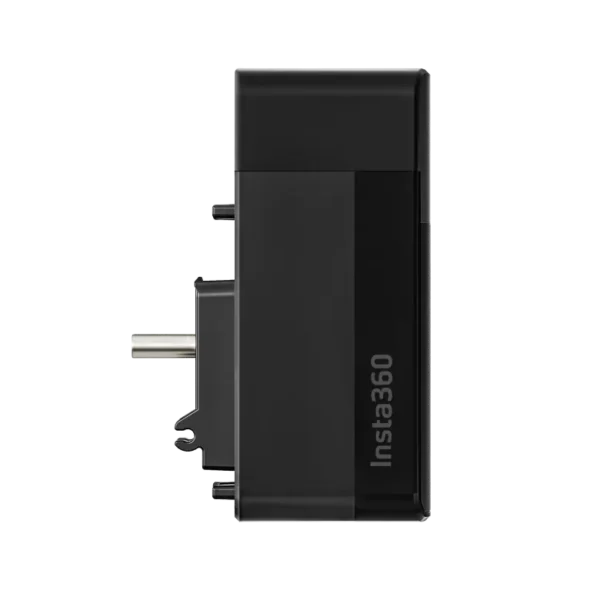
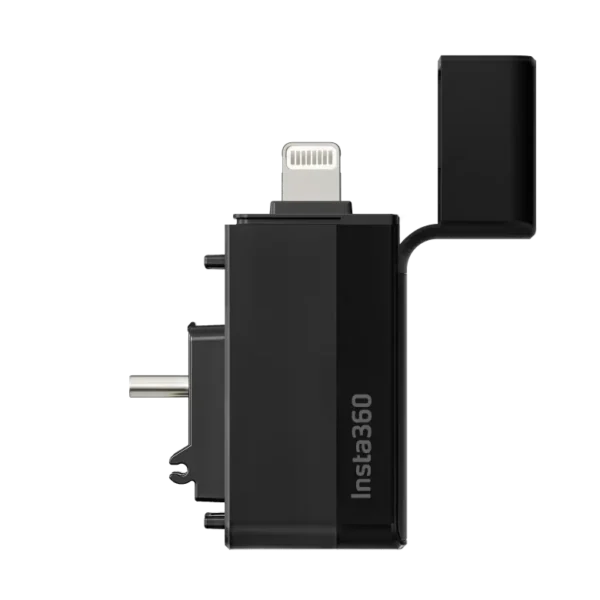
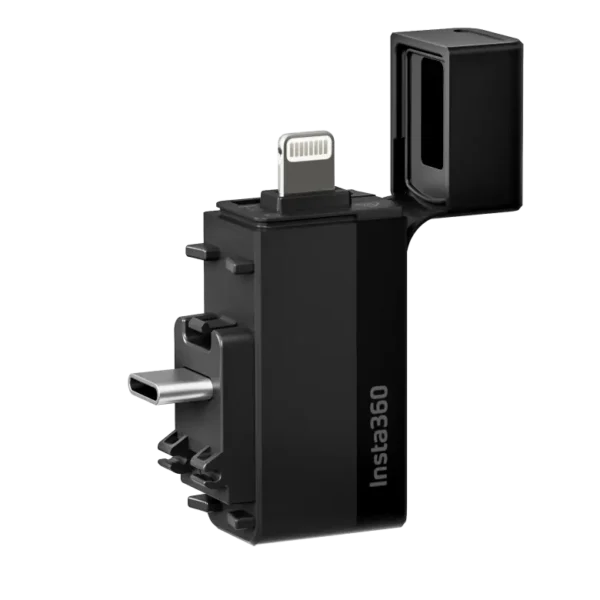
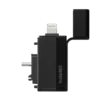
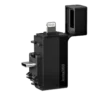
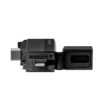
Insta360 X3 Quick Reader is a compact memory card reader and external recording device that allows 360° videos and photos captured with the Insta360 X3 to be saved directly to a microSD card and accessed on a smartphone without Wi-Fi file transfers. USB-C and Lightning connectors provide compatibility with supported Android and iOS devices, allowing footage to be viewed, edited, and exported conveniently through the Insta360 app. The device supports microSD cards up to 1 TB and offers an approximate laboratory-tested reading speed of 30 MB/s. Insta360 X3 Quick Reader is a practical accessory for travel vloggers, videographers, and content creators who want to manage large 360° video files more efficiently while reducing the need to copy original footage to their phone’s internal storage.
Insta360 X3 Quick Reader – Fast and Convenient Memory Card Reader for Transferring and Storing 360° Videos
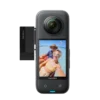
Insta360 X3 Quick Reader is a compact memory card reader and external storage accessory designed specifically for the Insta360 X3 camera. It makes managing 360° videos and photos faster and more convenient. The device allows footage captured with the camera to be saved directly to a microSD card installed in the Quick Reader and then accessed on a compatible smartphone for viewing, editing, and exporting through the Insta360 app.
One of the key advantages of the Quick Reader is the ability to transfer files through a wired connection without relying on Wi-Fi. This is particularly useful for large 360° video files, which can take considerable time to transfer wirelessly. With USB-C and Lightning connectors, the Insta360 X3 Quick Reader supports a range of compatible Android and iOS smartphones, offering a flexible solution for travel, outdoor shooting, and everyday content creation.
Designed Specifically for the Insta360 X3
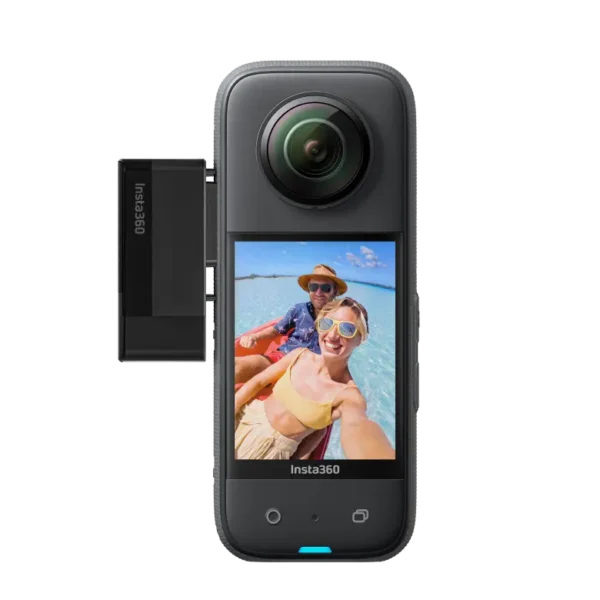
Insta360 X3 Quick Reader has been developed to simplify the camera’s recording and file transfer workflow. The device connects to the camera’s USB-C port and allows the microSD card installed in the Quick Reader to be used as an external storage medium.
Unlike a conventional memory card reader, the Quick Reader does more than simply provide access to files on a smartphone. When connected to the camera with the appropriate operating mode enabled, the Insta360 X3 can save videos and photos directly to the Quick Reader’s memory card.
This is particularly practical when large amounts of footage are recorded during a single shooting day and files need to be accessed quickly on a smartphone or managed across different memory cards.
USB-C and Lightning Connections in One Device
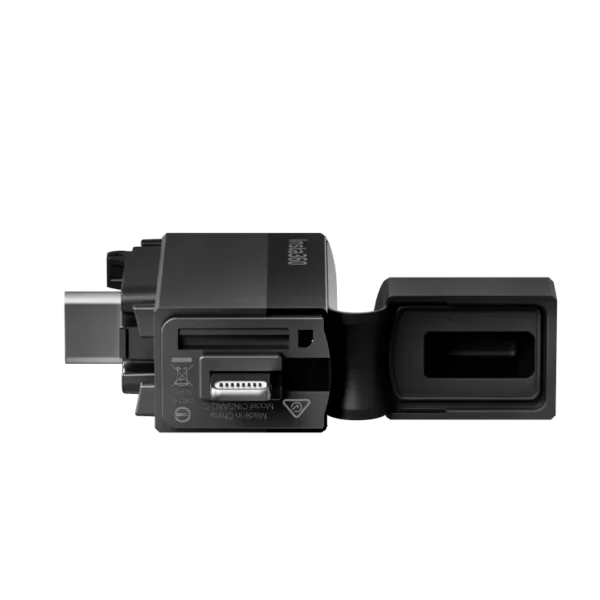
An important feature of the Insta360 X3 Quick Reader is its two connection interfaces. The device features USB-C and Lightning connectors, allowing it to connect directly to a range of compatible smartphones without a separate cable.
The USB-C connector works with many Android smartphones and newer USB-C-equipped iPhones, provided that the required firmware and software versions are supported. The Lightning connector allows the Quick Reader to be used with compatible iPhones featuring a Lightning port.
This makes the device practical for users working with different mobile devices or using the same memory card reader in multiple workflows.
For USB-C-equipped iPhones, the X3 Quick Reader requires at least firmware version 3.12. Updating the Quick Reader requires Insta360 X3 camera firmware version 1.0.93 or later, along with an up-to-date Insta360 app.
Fast File Transfers Without Wi-Fi
360° videos can be large because the camera records images from two lenses simultaneously. At high resolutions, file sizes increase quickly, and wireless transfers may become time-consuming.
Insta360 X3 Quick Reader provides direct access to files stored on the memory card through a physical smartphone connection.
According to the manufacturer, the X3 Quick Reader uses a USB-C 2.0 connection and achieves an approximate laboratory-tested reading speed of 30 MB/s. Actual transfer speeds depend on the memory card, smartphone, and other system characteristics.
The advantage of a wired connection is not limited to transfer speed. It also eliminates the need to establish a Wi-Fi connection between the camera and smartphone, making file access more convenient while travelling or in situations where wireless connectivity is less practical.
View Videos and Photos Directly in the Insta360 App
Insta360 X3 Quick Reader is designed to work with the Insta360 mobile app, which allows users to view, edit, and export 360° footage.
When a microSD card containing recorded files is inserted into the Quick Reader and the device is connected to a compatible smartphone, the footage can be accessed through the Insta360 app.
This makes it possible to begin editing without first copying every original file to the smartphone’s internal storage.
Within the Insta360 app, users can select viewing angles, reframe 360° footage into conventional videos, use automated editing features, and prepare content for social media.
This workflow is especially useful for content creators who want to review and edit footage directly at the shooting location.
External Storage for the Insta360 X3 Camera
One of the Quick Reader’s most important features is its ability to function as an external recording device.
When the Insta360 X3 Quick Reader is connected to the camera and the Quick Reader operating mode is enabled, new photos and videos are saved directly to the microSD card installed in the accessory.
This allows recorded footage to be accessed quickly after shooting by disconnecting the Quick Reader from the camera and connecting it to a smartphone.
It is important to note that if separate memory cards are installed in the camera and the Quick Reader, footage is not recorded to both cards simultaneously. In active Quick Reader mode, files are saved to the card installed in the Quick Reader.
The device is therefore not an automatic dual-recording or backup system. Instead, it provides a separate storage medium that makes subsequent file handling more convenient.
microSD Card Support up to 1 TB
Insta360 X3 Quick Reader uses a microSD memory card, allowing users to choose a storage capacity that suits their needs.
According to Insta360’s official instructions, the Quick Reader supports microSD cards with capacities of up to 1 TB, meeting UHS-I and V30 speed class requirements and using the exFAT file system.
The V30 speed class indicates a minimum sustained sequential write speed of 30 MB/s. This is important for high-data-rate video recording, where the memory card must continuously receive data from the camera.
Using a suitable memory card helps reduce the risk of recording issues and supports more stable performance.
The Quick Reader’s actual storage capacity depends on the installed memory card. The accessory does not have separate built-in storage that replaces the microSD card.
Convenient for Large 5.7K Video Files
The Insta360 X3 can record 360° video at resolutions of up to 5.7K, which means longer shooting sessions can generate substantial amounts of data.
Insta360 X3 Quick Reader helps make these files easier to manage.
Instead of repeatedly connecting the camera wirelessly to a smartphone and waiting for files to download, users can disconnect the Quick Reader and connect it directly to their phone.
This is particularly useful when footage needs to be reviewed quickly, shown to a client, or edited for social media.
Although the Quick Reader does not change the camera’s recording quality or increase video resolution, it helps users work more efficiently with the Insta360 X3’s existing recording capabilities.
Connecting the Quick Reader to the Insta360 X3
To use the Quick Reader, a compatible microSD memory card must first be inserted into the device.
Next, turn on the Insta360 X3, open the USB-C port cover, and connect the Quick Reader to the corresponding port.
The camera displays the message “Restart to use Quick Reader”. Confirming this message restarts the camera in the appropriate operating mode.
If necessary, Quick Reader mode can also be enabled manually by opening the camera’s USB mode settings and selecting Quick Reader.
Once the mode is enabled and the connection established, the camera can use the memory card installed in the Quick Reader as its recording medium.
Important Recording Mode Considerations
When using the Quick Reader, it is important to understand how the Insta360 X3 selects its recording destination.
If Quick Reader mode is enabled and the accessory is connected, new files are saved to the Quick Reader’s memory card.
If Quick Reader mode is enabled but the accessory is not connected, the camera uses the memory card installed in its own card slot.
If the Quick Reader is connected but the corresponding mode is not enabled, the camera records to the card installed in its internal memory card slot.
It is also important to remember that disconnecting the Quick Reader during an active recording stops the recording. The accessory should therefore only be disconnected after filming has finished.
Connecting to an Android Smartphone
When using an Android smartphone, Insta360 X3 Quick Reader connects to the phone’s USB-C port.
After connecting the device, open the Insta360 app. During initial setup, it may be necessary to select the memory card directory and grant the app permission to access external storage.
This can be done through the Quick Reader settings in the app by selecting the appropriate directory and confirming access.
Some Android smartphones may also require the OTG function to be enabled in the phone’s settings before an external card reader can be detected.
Compatibility depends on the phone’s operating system, file system support, and manufacturer-specific restrictions. It is therefore advisable to verify compatibility with the specific smartphone before use.
Connecting to an iPhone
Insta360 X3 Quick Reader also allows recorded footage to be accessed on compatible iPhones.
For iPhones with a Lightning connector, the device connects directly to the corresponding port, after which the Insta360 app can be opened.
When using an iPhone with USB-C, the Quick Reader’s firmware must be updated to at least version 3.12.
Once the required software is installed and the connection is supported, photos and videos stored on the Quick Reader’s memory card can be opened and edited in the Insta360 app.
This makes the device a practical solution for users who prefer editing 360° footage on an iPhone rather than relying on a separate computer.
Less Dependence on Smartphone Internal Storage
High-resolution video files can quickly fill a smartphone’s storage capacity.
With the Quick Reader, footage can be accessed and edited directly from the external microSD card in the compatible Insta360 app, without first copying every original file to the phone’s internal storage.
This helps reduce storage demands and makes large collections of footage easier to manage.
However, video processing, cache files, and exporting may still require free storage space on the smartphone, depending on the app and workflow.
The Quick Reader therefore does not eliminate the need for internal phone storage entirely, but it can significantly simplify the management of original footage.
A Practical Tool for Travel Vloggers
When creating travel vlogs, it is important to be able to review recorded footage quickly and prepare it for publishing when needed.
Insta360 X3 Quick Reader fits naturally into this workflow by allowing a memory card containing recorded footage to be connected directly to a smartphone.
For example, a traveller can record 360° videos throughout the day, connect the Quick Reader to a phone in the evening, and begin selecting and editing footage without waiting for Wi-Fi transfers.
This is particularly useful for content creators who prefer travelling with minimal equipment and do not regularly use a laptop.
Suitable for Adventure Sports and Active Lifestyles
The Insta360 X3 is a popular camera for capturing movement and outdoor activities because 360° recording allows the most interesting viewing angle to be selected later.
This type of use can generate large amounts of video footage during a single day.
Insta360 X3 Quick Reader makes handling recorded material more convenient by allowing files to be accessed and edited quickly on a smartphone.
For example, after cycling, hiking, or another activity, users can review recordings and select suitable clips for a short video.
The device is primarily designed to simplify file management and recording workflows, rather than increase the camera’s physical protection or weather resistance.
Useful for Social Media Content Creators
For social media content creation, the time required to turn recorded footage into a finished video is often important.
Insta360 X3 Quick Reader helps reduce the time spent transferring files from the camera to a smartphone.
Once footage is accessible in the Insta360 app, users can select the desired framing, use the app’s editing tools, and export the video for their chosen platform.
This is practical for preparing content for Instagram Reels, TikTok, and YouTube Shorts.
The Quick Reader does not replace video editing software. Instead, it makes recorded files faster and more convenient to access.
Quick Reader Compared with Wi-Fi File Transfer
The Insta360 X3 can also transfer files wirelessly to a smartphone through the Insta360 app.
Wi-Fi is convenient because it does not require an additional accessory. However, transferring larger files can take more time, and establishing and maintaining the connection depends on the camera’s and phone’s wireless communication.
Insta360 X3 Quick Reader offers an alternative in which files are accessible through a physical connection.
This can make the workflow smoother, particularly when large numbers of recordings need to be handled during a single shooting day.
The Quick Reader’s actual speed advantage depends on the smartphone, memory card, and Wi-Fi conditions. It should therefore not be assumed to be a fixed multiple faster than wireless transfer in every situation.
Compact and Portable Design
Insta360 X3 Quick Reader is a compact accessory that does not require a separate long connection cable.
Its small size and integrated connectors make it easy to carry in a camera bag, accessory pouch, or another small storage compartment.
This is a practical solution for travel and outdoor filming, where the size and weight of every additional accessory matter.
The Quick Reader helps create a simple mobile workflow in which the camera, memory card reader, and smartphone form a complete system for recording, viewing, and editing 360° footage.