
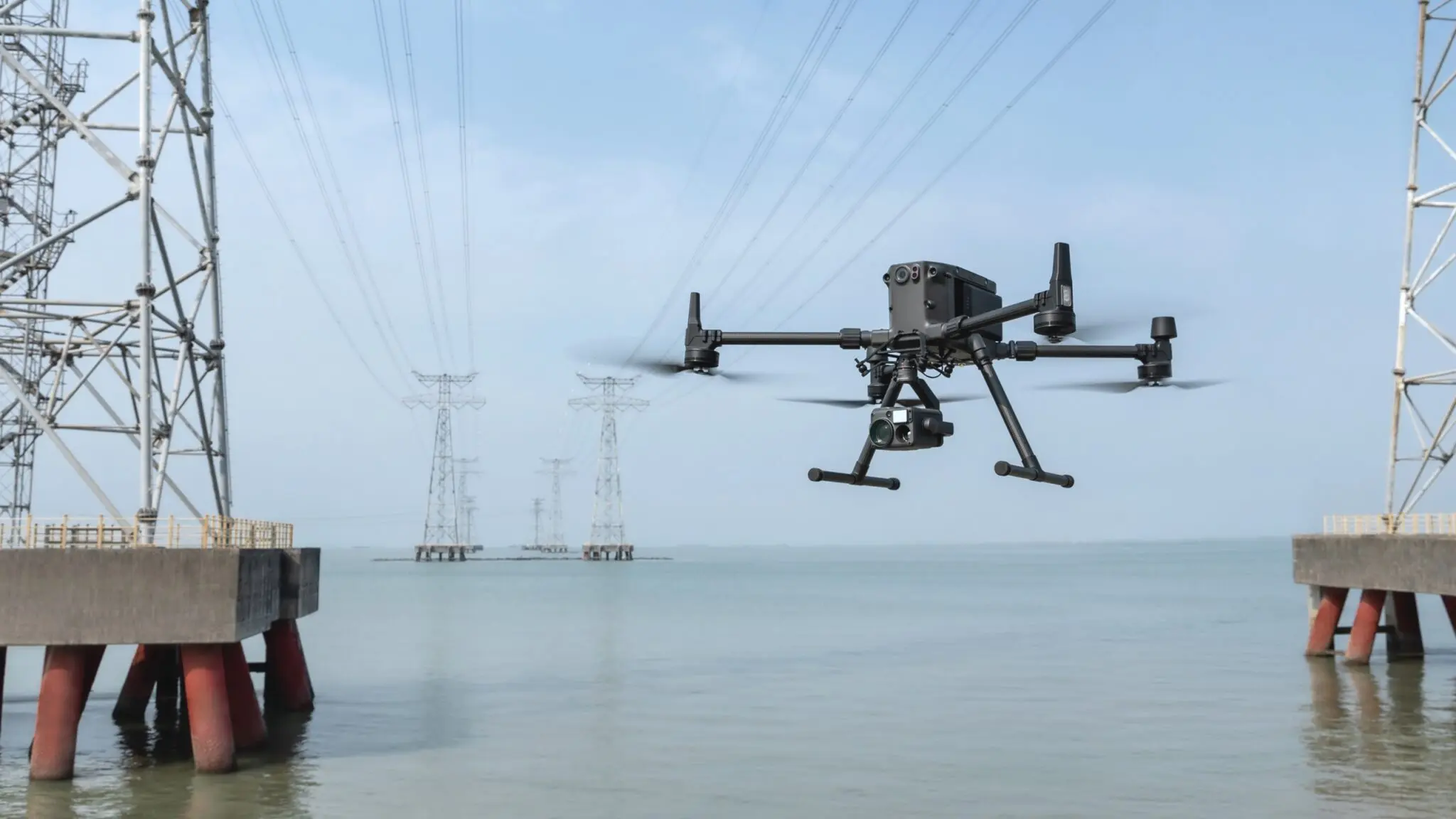
It’s been a year and a half since DJI released the Matrice 300 RTK drone. In that time, the drone has proven itself as a robust and reliable drone platform for a wide range of jobs such as mapping, inspection, surveying, rescue operations, etc.
DJI is always trying to improve their platforms and this time they have listened to the feedback from drone users and the result is in front of you – the latest software update v03.00.01.01 for the Matrice 300 RTK is now available. Here’s a look at what has changed.
Offline updates
By updating to v03.00.01.01, it is now possible to perform all updates without having to connect the drone and the controller to the internet. Software update packages are available on DJI’s official website, where you can download the update and save it to a memory card, for example. From there, the memory card should be inserted into the controller, drone, camera or battery charging cradle and the DJI Pilot application used to update the software.
In the DJI Pilot application, you should click on the “HMS” icon on the right and select “Firmware” from the left. Select “Offline Update” in the top right corner and find the corresponding firmware updates and select “Update All”.

This solution is aimed at users who require a special level of security to keep their devices always up to date without having to actually connect the platform to the internet.
New data and privacy provisions
The v03.00.01.01 update enhances data and privacy settings by adding Restricted Network mode, SD card encryption, the ability to erase all data on your device, and more.
Network security modes
There are currently three network security modes to choose from:
- Standard Mode: no restrictions on network connection
- Restricted Network Mode: the network can only be used by map applications, RTK, live streaming and some other selected applications that require an internet connection. Other network connections are restricted.
- Local Data Mode: in short, this mode is comparable to the airplane mode of a smart device. In a nutshell, the Local Data Mode is like a smartphone. Last year, FTI Consulting also confirmed that when DJI Local Data Mode is in operation, no data created in the app is sent to third parties, including DJI itself. If you would like more information about Local Data Mode, please contact us!
These modes give the user the freedom to find a mode that meets their security requirements.

SD card encryption
Users have the option to protect the data stored on the microSD cards in use with security code and AES encryption. After setting the security code, the M300 will prompt for the security code each time it is started.


In addition, when using the security code, the DJI Decrypt Tool needs to be installed on a desktop computer running Windows to access files on the encrypted microSD card.
How do I use the DJI Decrypt Tool?

When inserting an encrypted SD card into a Windows PC, the DJI Decrypt Tool is required to access the files. Open the application, select the external storage device you want to access and enter the security code.
The computer itself does not need to be online during the process – providing an extra level of security for customers who require special security.
Erase all device data

With the v03.00.01.01 update, the user will be able to delete flight logs from the drone, the remote control and the H20 series cameras. If the flight logs have been uploaded to DJI’s servers on your behalf, it will also be possible to delete them there on request.
One-tap Panorama Mode with Zenmus H20 series cameras
Now it’s possible to quickly create a large panorama with just the push of a button using an H20 or H20T camera. The panorama takes about 1 minute to set up and gives the user an instant overview of the scene. This feature is useful for rescue operations, for example, where a quick overview of the current situation is required.

New Coordinated Turn feature
Co-ordinated turns is a new feature that allows the pilot to make smooth turns in flight. This feature also rotates the drone in Roll and Yaw. If the pilot wants to make such a turn manually, the pilot must demonstrate his/her skills and use both joysticks at the same time. In some situations, however, it is easier to use automatic.
Height restriction
The maximum altitude allowed on the M300 drone platform has been increased from 500 metres to 1500 metres. The altitude is calculated from the take-off point of the drone. However, a lower altitude limit applies in areas where there is an airport within a 50 km radius. Separate applications are required to fly close to airports and other exclusion zones. If you get stuck with an application, contact the Droon.ee team!
Drone health management system
A little-known but very useful feature in the DJI Pilot app, where you can access error messages, flight logs and see the overall status of the M300. With the update, the “DJI Maintenance Program” and “DJI Care Enterprise” shortcuts were added.

In addition, it is now possible to see error messages and logs from the batteries and the charging cradle by connecting the charging cradle to the remote using a USB-C cable.


Return-to-Home (RTH) optimisation
If the RTH function detects obstacles ahead, DJI Pilot sends a reminder to the pilot to turn off Auto-RTH if possible, and to manually take over and land.
PinPoint optimisation
The PinPoint function is definitely one of the most powerful features of the M300. Thanks to the H20 series laser rangefinder, pilots can click on an object of interest on the controller screen to obtain the XYZ coordinates of the object and its distance from the drone.
With the recent v03.00.01.01 update, users can now edit and manage multiple PinPoints. Also, a PinPoint can now be assigned as a home point. The home point can be the drone take-off point, the drone location in real time, the pilot + control position, or the now customizable PinPoint location.